Claude Code Bypass Alias: Start in Plan Mode, Switch to YOLO When Ready
A shell alias to launch Claude Code in plan mode with YOLO-level permissions ready to go once you've reviewed the plan.
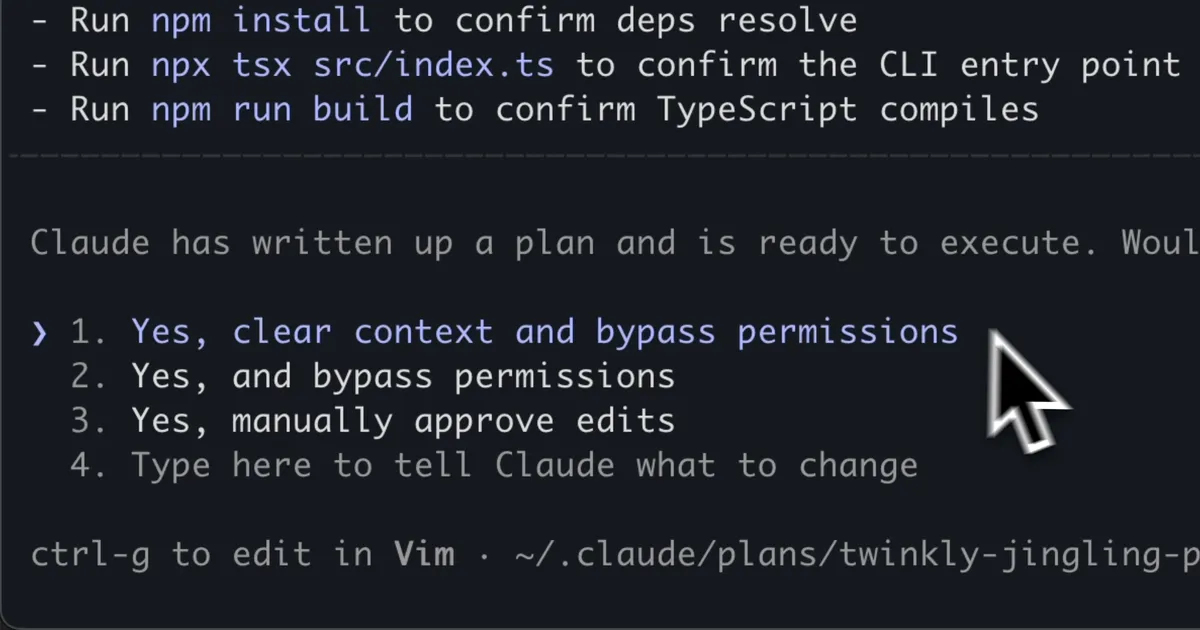
If you're anything like me, you find yourself switching between plan mode and edit mode frequently in Claude Code.
And confession time, I operate in YOLO mode most of the time. The merits of bypassing permissions is probably worthy of its own article, so I'm assuming you're already aware of the risks.
Setting that aside, there is just so much less friction when you don't have to individually grant permission on every command. Especially if you frequently spin up experimental projects, the constant "Allow Claude to run mkdir?" prompts will drive you up the wall.
My Workflow
I always start in plan mode. Let Claude analyze the codebase and lay out an approach before it touches anything. Once I've reviewed the plan, I switch to implement mode and let the agent go to town.
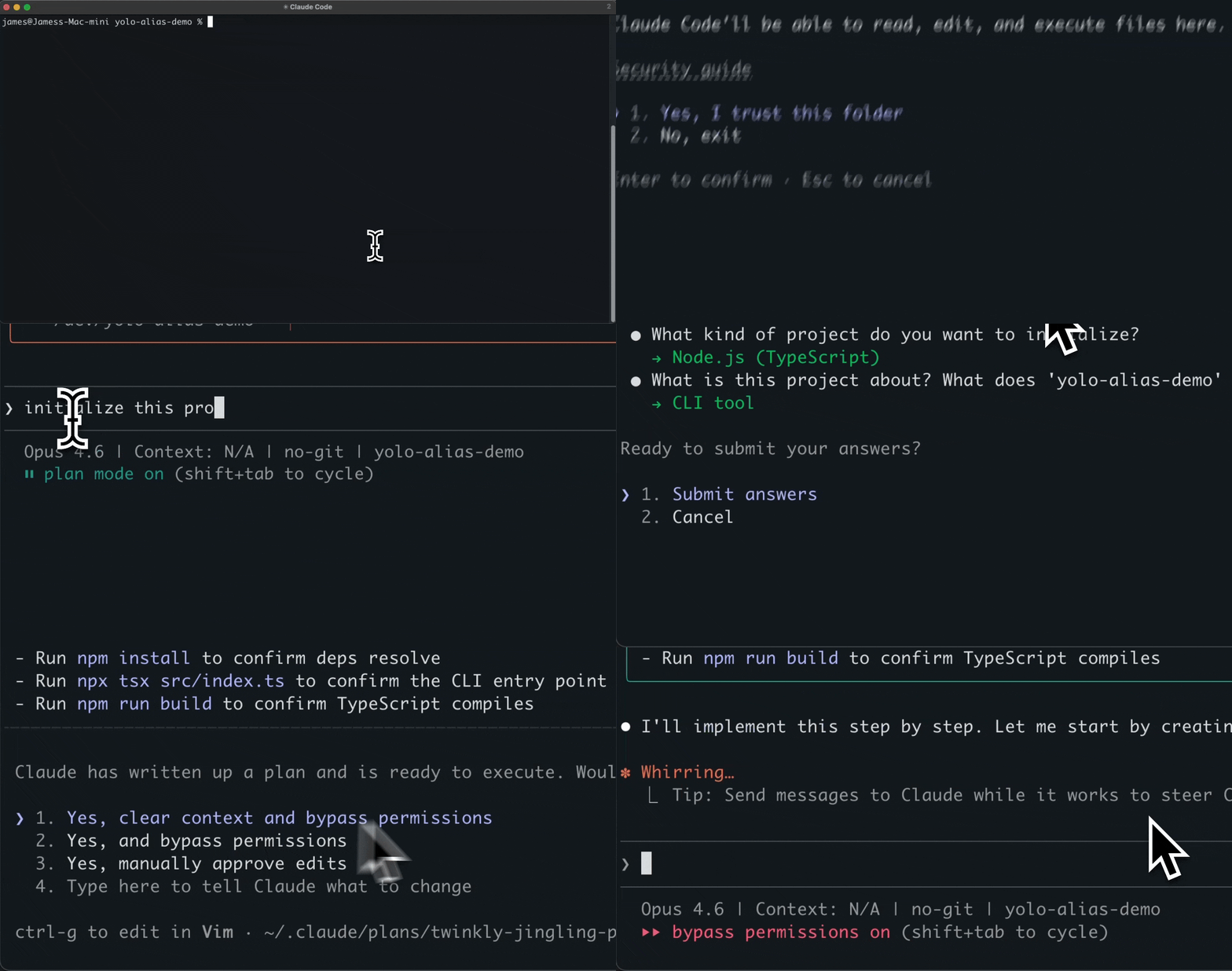
The --dangerously-skip-permissions flag lets you run in YOLO mode, but what if you want to start in plan mode and switch to YOLO when you're ready?
The Flag
claude --allow-dangerously-skip-permissions --permission-mode planThe --allow-dangerously-skip-permissions flag enables YOLO-level permissions as the baseline, while --permission-mode plan forces Claude to start in plan mode. Review Claude's approach first, then hit Shift+Tab to drop into bypass permissions mode.
One small catch: the first time you run this in a project directory, Claude will prompt you to trust the directory. You only have to do this once per project, so if you're working in the same repos regularly it's a non-issue. There's an open issue tracking this.
The Alias
Typing that full command every time is tedious. I call mine yc for "YOLO Claude":
# Add to your ~/.bashrc or ~/.zshrc
alias yc="claude --allow-dangerously-skip-permissions --permission-mode plan"
Now just type yc and you're in. Plan mode on startup, YOLO mode a Shift+Tab away.
A Word of Caution
This is still YOLO mode. The word "dangerously" is in the flag name for a reason. A few ground rules:
- Always work on a clean git branch.
git reset --hardis your escape hatch. - Scope your tasks tightly. "Refactor the auth module" beats "improve the codebase."
- Review the plan carefully before exiting plan mode. That's the whole point of this workflow.
For the full details, check out the official permissions documentation.
Happy clauding.
Stay in the loop
Get new posts delivered to your inbox. No spam, unsubscribe anytime.